SmallWorld Slack App
Member Install
Once the SmallWorld Slack App has been installed in your Workspace, members can access it by following these steps:
- Open Slack.
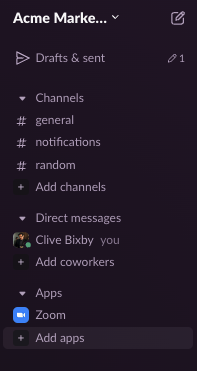
- Click Add apps in the sidebar on the left.
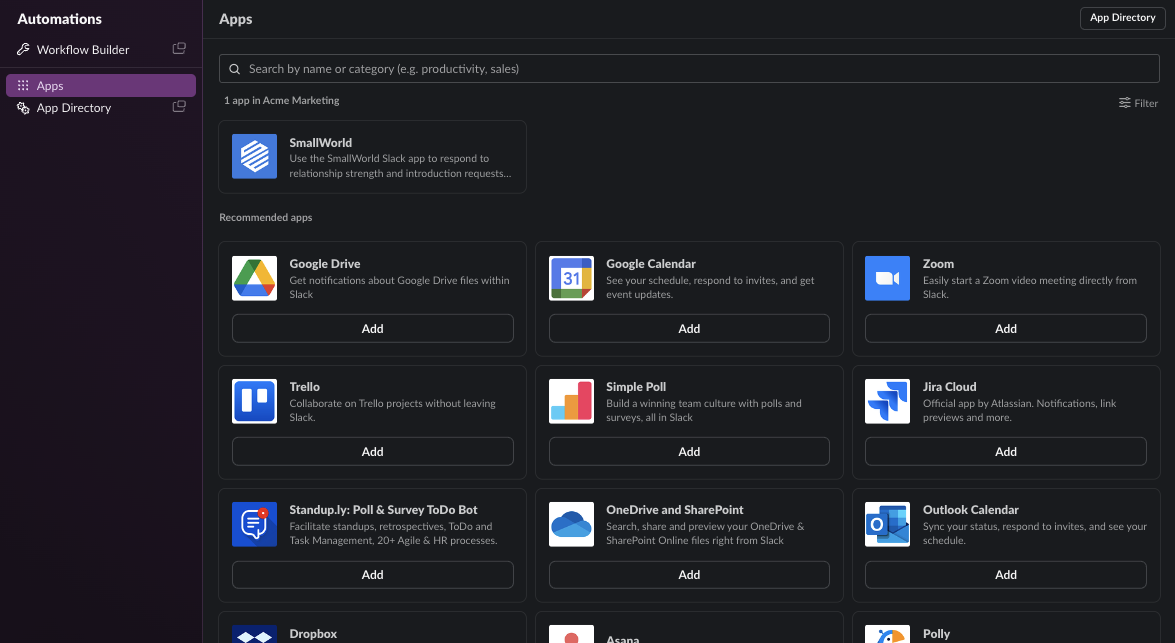
- Select the SmallWorld App from the list of installed apps.
- Click the link to log in using your SmallWorld credentials.
That's it! Future requests will be routed through the Slack App.